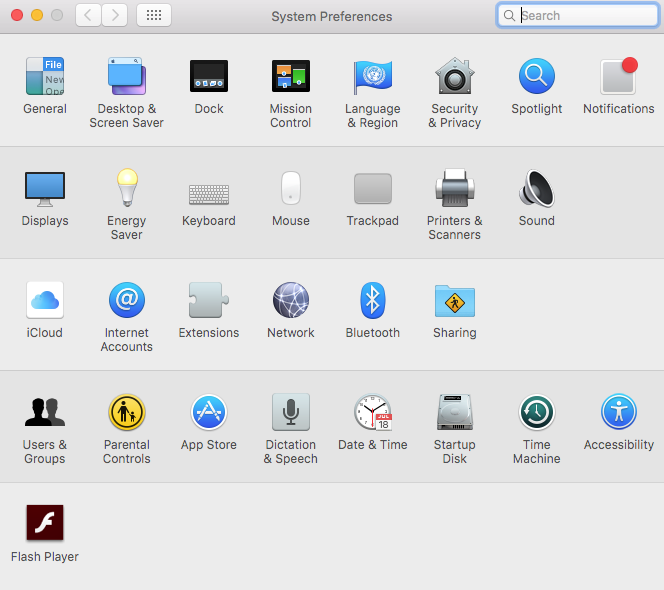
1. Open application System Preferences.
2. Click Internet Accounts.
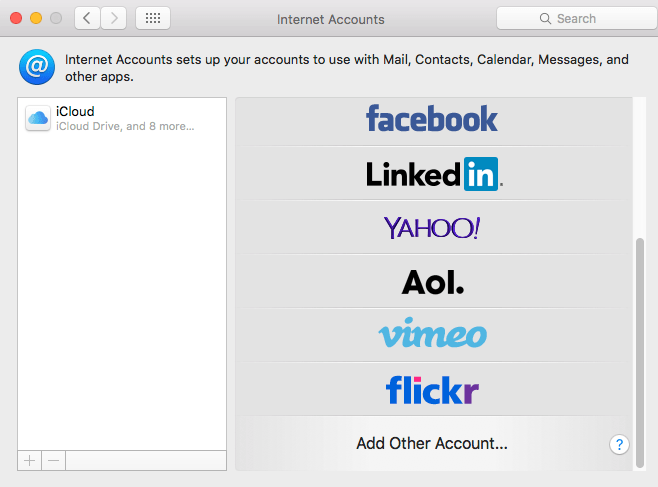
3. On right panel, click Add Other Account at the bottom.
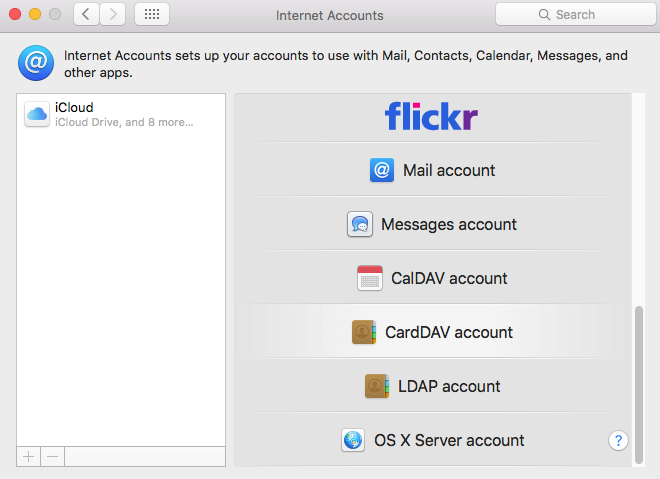
4. Choose Add a CardDAV account in popup window.
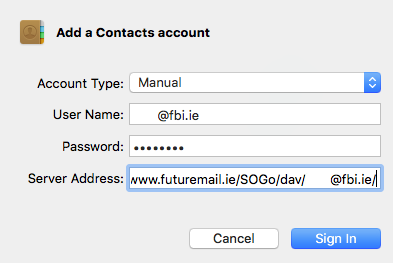
5. Fill up the form with your server address and email account credential
User Name: Your full email address.
Password: Password of your email account.
Server Address: https://[server name or IP address]/SOGo/dav/[your full email address]